
Core loop
You stay alive by reading traffic early, finding clean gaps, and avoiding late reactions. The challenge is less about memorizing tracks and more about maintaining calm at higher speed.
Traffic Jam 3D is the main playable page in the current public review set. It is a straightforward lane-dodging game built around speed control, fast reactions, and short browser sessions that work well on both desktop and mobile browsers.
The page intentionally keeps the structure simple: a written overview, a control summary, a few practical tips, and a lazy-loaded local build so there is meaningful publisher content even before the player presses start.
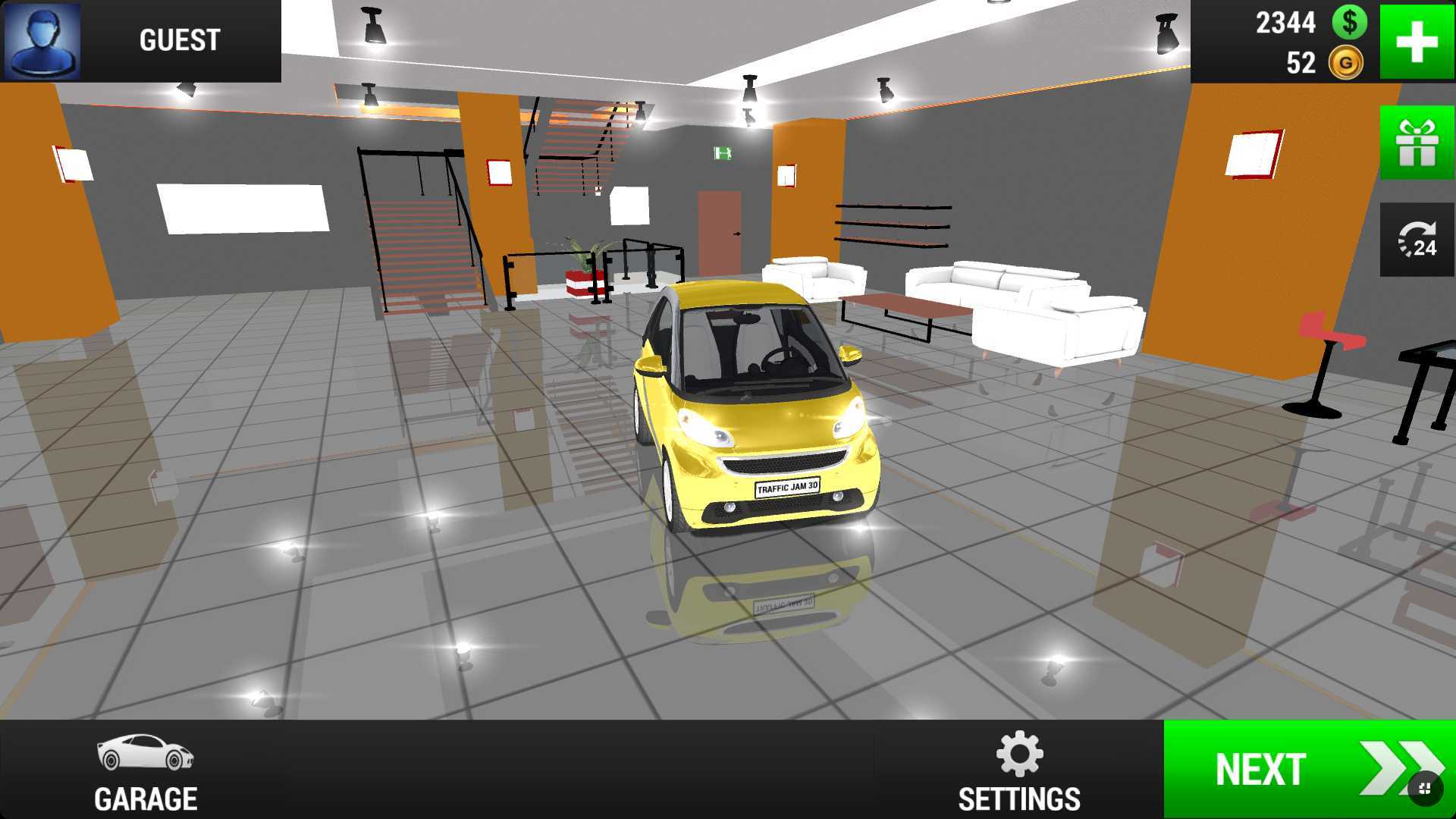
You stay alive by reading traffic early, finding clean gaps, and avoiding late reactions. The challenge is less about memorizing tracks and more about maintaining calm at higher speed.
This page is best for players who enjoy quick browser runs, simple controls, and a strong sense of pace without a long setup or tutorial.
Use the arrow keys to accelerate, brake, and move between lanes. On touch devices, the embedded build provides on-screen controls once it loads.
Do not stare at the hood of your own car. Watch two lanes ahead so that lane changes feel planned instead of desperate.
The game build below is hosted inside this project. Press the button once, allow a short download if needed, and then wait for the build to finish initializing before you start steering.
/games/index.html
The build is idle until you press the launch button.
Give the page a little extra time. WebGL builds often need a quiet first load while assets are cached by the browser.
Try fullscreen only after the game has started, and close background tabs on older phones or low-memory browsers.